
The water tracker that adapts to your day
Most hydration apps give everyone the same number and nag until it is met. MyWaterCalendar raises your goal when it is hot, adjusts it while you fast, and only reminds you while you are awake — and none of it ever leaves your iPhone.
What makes it different
Goals that follow the weather
On a 34 °C afternoon your body needs more than it does in November. MyWaterCalendar checks the forecast high once a day and raises your target accordingly — up to 500 ml more, automatically.
Built for fasting windows
Start a 16-hour fast and your goal rises while your reminders tighten to hourly. The app knows which drinks keep a fast intact and which break it, so you are never guessing at hour fourteen.
Reminders that respect your sleep
Nudges are spaced across your waking hours based on how much you have left to drink — never at 3 a.m., and never in the hour after you have just had a glass.
Apple Health, both directions
Every drink is written to Health as it is logged, and water recorded by other apps flows back in. One number, wherever you look.
Streaks and history you can keep
See how the week actually went, hold a streak together, and export the whole log to CSV whenever you want it somewhere else.
No account, no cloud, no tracking
There is nothing to sign up for. Your log lives in a database on your iPhone, we run no server that stores it, and there is no analytics SDK in the app at all.
How it works
Answer four questions
Weight, activity level, and when you wake and sleep. That is the whole setup — about thirty seconds.
Tap to log
Three quick-add buttons sized to your actual glasses and bottles. Add a custom amount when you need to, pick the drink type when it matters.
Let it adjust
The goal moves with the weather and your fasting window. The widget and Live Activity keep the number in front of you without opening the app.
🔒 Private because there is nowhere for it to go
This is not a promise about how carefully we guard a database — it is an architectural fact. MyWaterCalendar has no account system and no server that stores your hydration log, so there is nothing for us to read, sell or lose.
- Your drink log stays in a local database on your iPhone.
- No analytics, attribution or crash-reporting SDK is bundled in the app — none at all.
- Weather lookups send coordinates rounded to about a kilometre, with no identifier attached.
- Reminders are scheduled on-device; there is no push server.
Frequently asked
Is MyWaterCalendar free?
Yes. Logging, history, streaks, reminders, the widget and CSV export are all free. Premium adds weather-adaptive goals, fasting protocols, meal-linked adjustments, custom themes and removes ads.
Do I need to create an account?
No. There is no sign-up, no email address and no password. The app works the moment you open it.
Where is my data stored?
In a database on your iPhone. We operate no server that holds your hydration log, which also means we cannot recover it if you delete the app without a backup — export to CSV if the record matters to you.
Does it work without location access?
Yes. Location is only used for the weather-adjusted goal, and only if you allow it. Decline and every other feature works exactly the same.
How much water should I actually drink?
It depends on your body, your activity and your climate — which is precisely why the app calculates a personal starting figure rather than repeating the eight-glasses myth. It is a wellness estimate, not medical advice; ask a clinician about your own situation.
More on hydration
Evidence-based guides from the MyCookingCalendar editorial team.
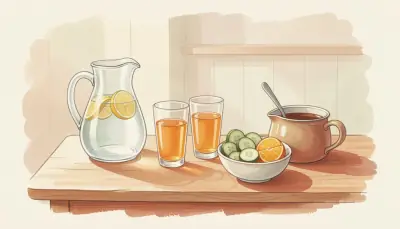
Hydration Habits: The Role of Water in Metabolic Health
The science of hydration and metabolic health: how much water you really need daily, and how to build habits that actually stick.

Sports Nutrition Diet for Athletic Performance and Recovery
Sports nutrition explained: ACSM-backed strategies on carb periodisation, protein timing, hydration, and recovery meals to boost performance and recovery.
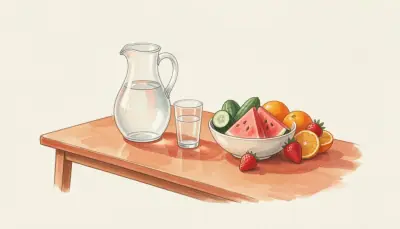
Hydration Science: How Much Water You Actually Need and the Foods That Count
The 'eight glasses a day' rule isn't science-based. Discover what research shows about hydration needs, foods that count toward fluid intake, and dehydration signs.
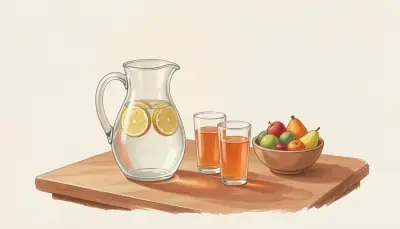
How Much Water Should You Drink a Day? The Honest Answer
Eight glasses a day is a number nobody can source. Here is what the actual intake guidelines say, why your own figure is different, and how to work it out from body weight, activity and climate.

Signs of Dehydration: What to Look For Before You Feel Thirsty
Thirst is a late signal. Here are the earlier indicators — urine colour, energy dips, headaches, concentration — plus the urine chart, the groups most at risk, and when mild dehydration becomes a medical problem.
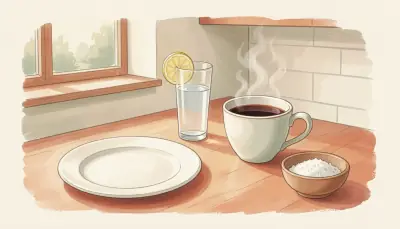
Hydration During Intermittent Fasting: What Breaks a Fast and What Doesn't
Fasting quietly removes the fluid your meals normally supply, and lower insulin makes you excrete more. Here is what you can drink during a fasting window, why electrolytes matter by hour twelve, and how to avoid the headache.
Privacy Policy · Terms of Use · Support · Contact
MyWaterCalendar is a general wellness app. It does not provide medical advice, diagnosis or treatment. Fluid needs vary — consult a healthcare professional about your own circumstances.